
ElectriCAD QR stickers
One scan, and the panel's plan is there.
For you, your client and the next electrician.
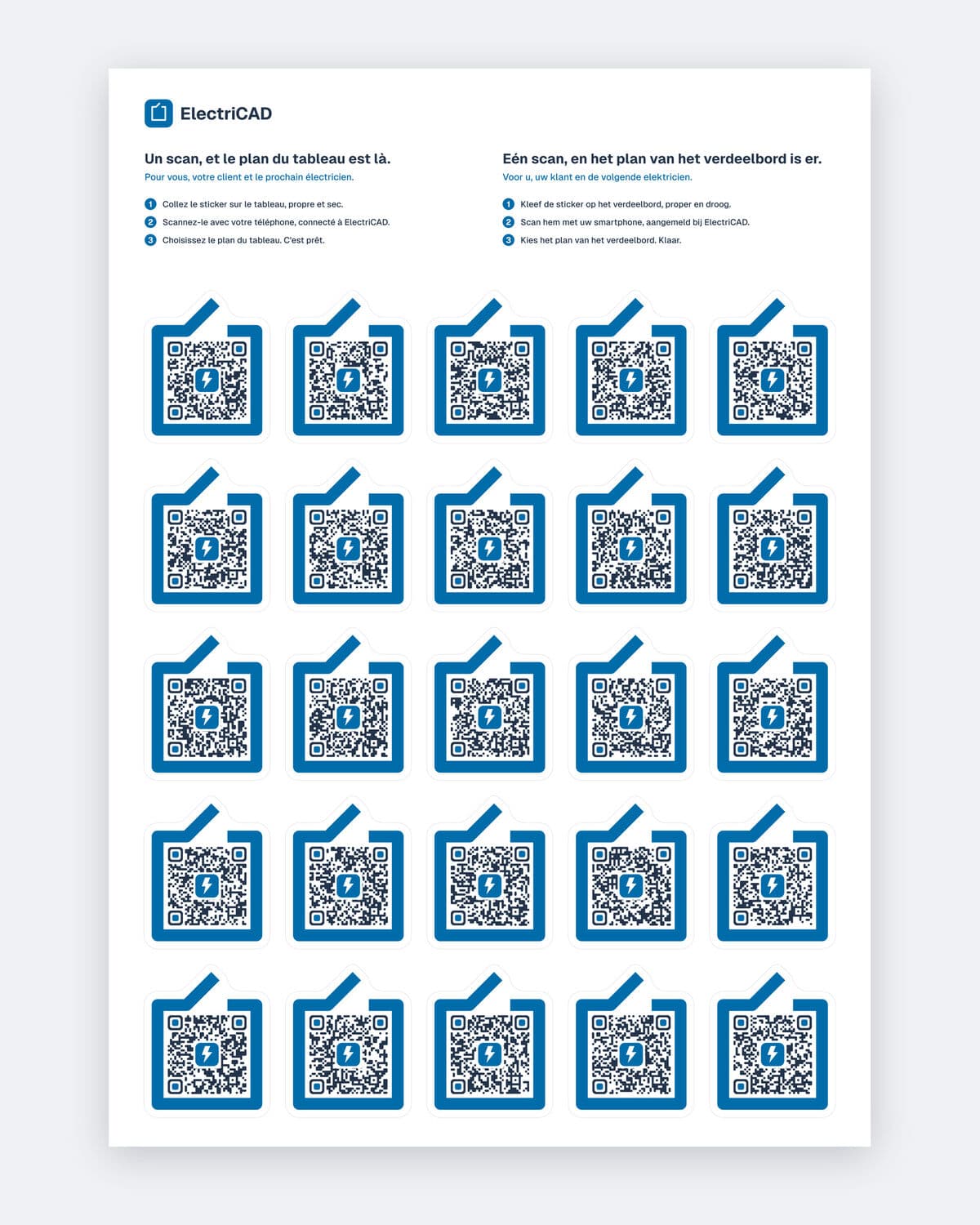
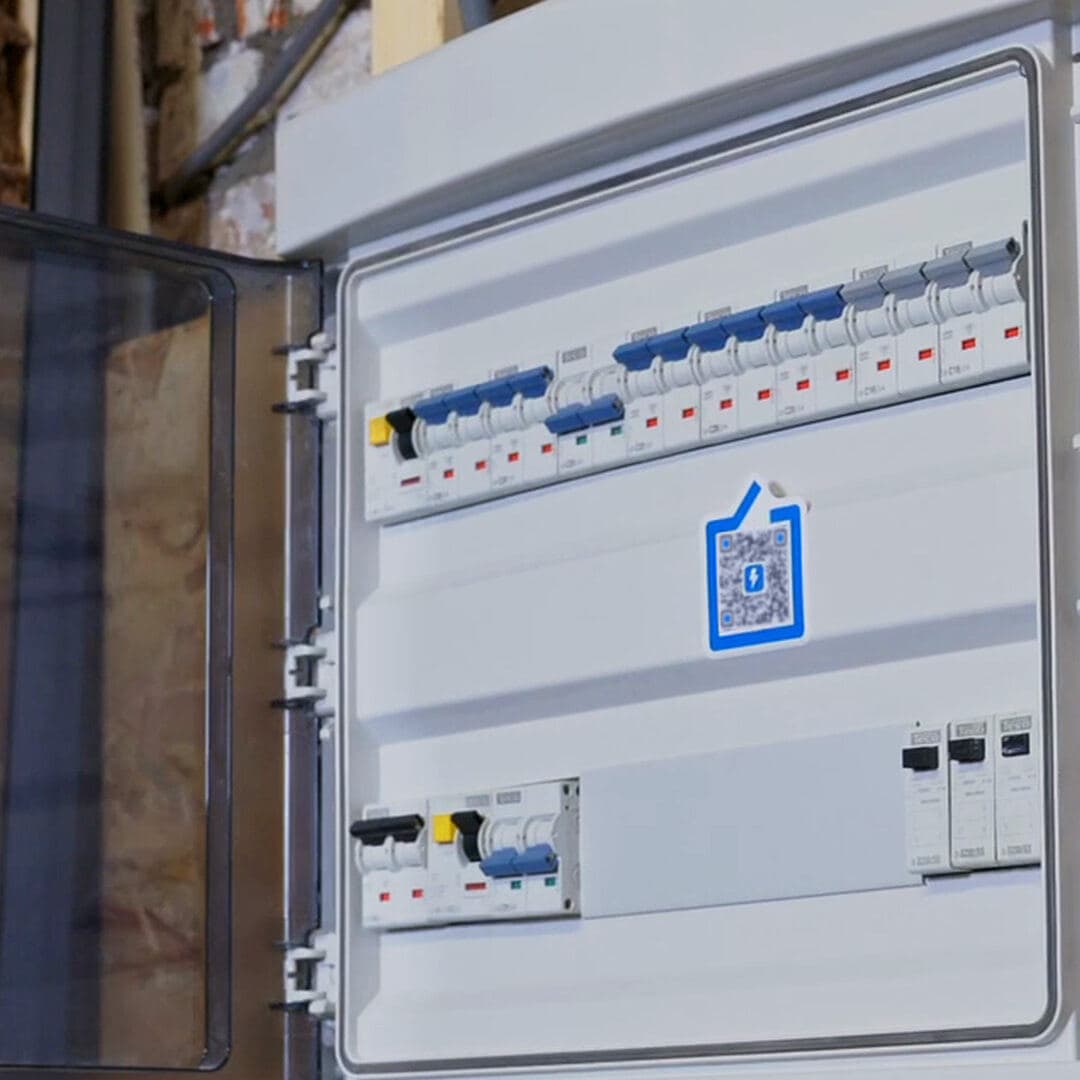
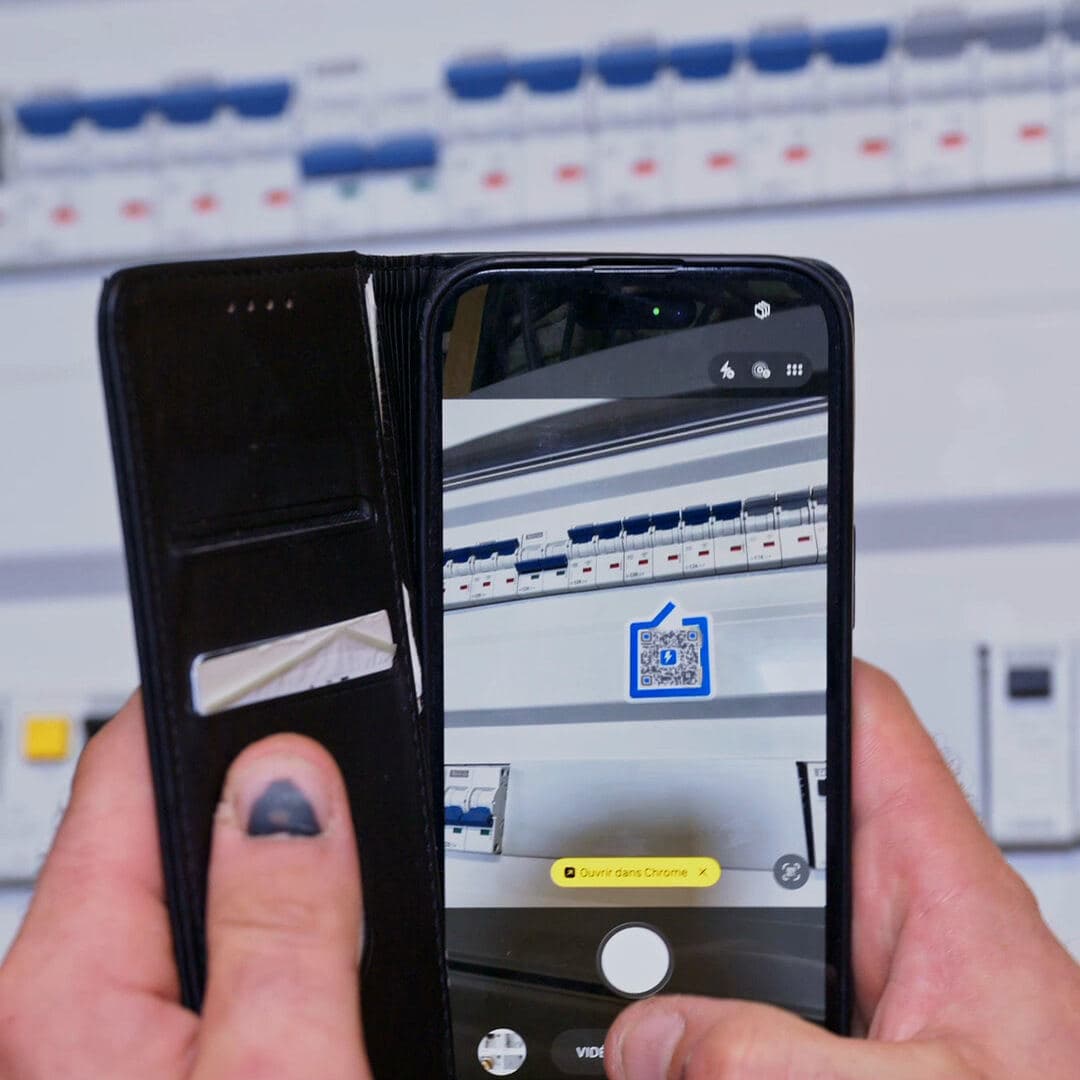
Each sticker carries a unique code. Stuck on an electrical panel, it leads to that panel's plan in ElectriCAD: a scan with a phone is enough to open it.
How it works
- 1Stick the sticker on the panel, clean and dry.
- 2Scan it with your phone, signed in to ElectriCAD.
- 3Choose the panel's plan. Done.
The link is made at the first scan, by someone who can edit that plan. A main panel and sub-panels: one sticker per panel, each linked to its own plan.
What the person scanning sees
Without an ElectriCAD account (your client, the next electrician)
The panel's plan and its single-line diagram, read-only. No other documents from the project, no client details.
Signed in, without access to the project
The same page, from which they can request access.
With access to the project
The plan opens in ElectriCAD.
The sheet
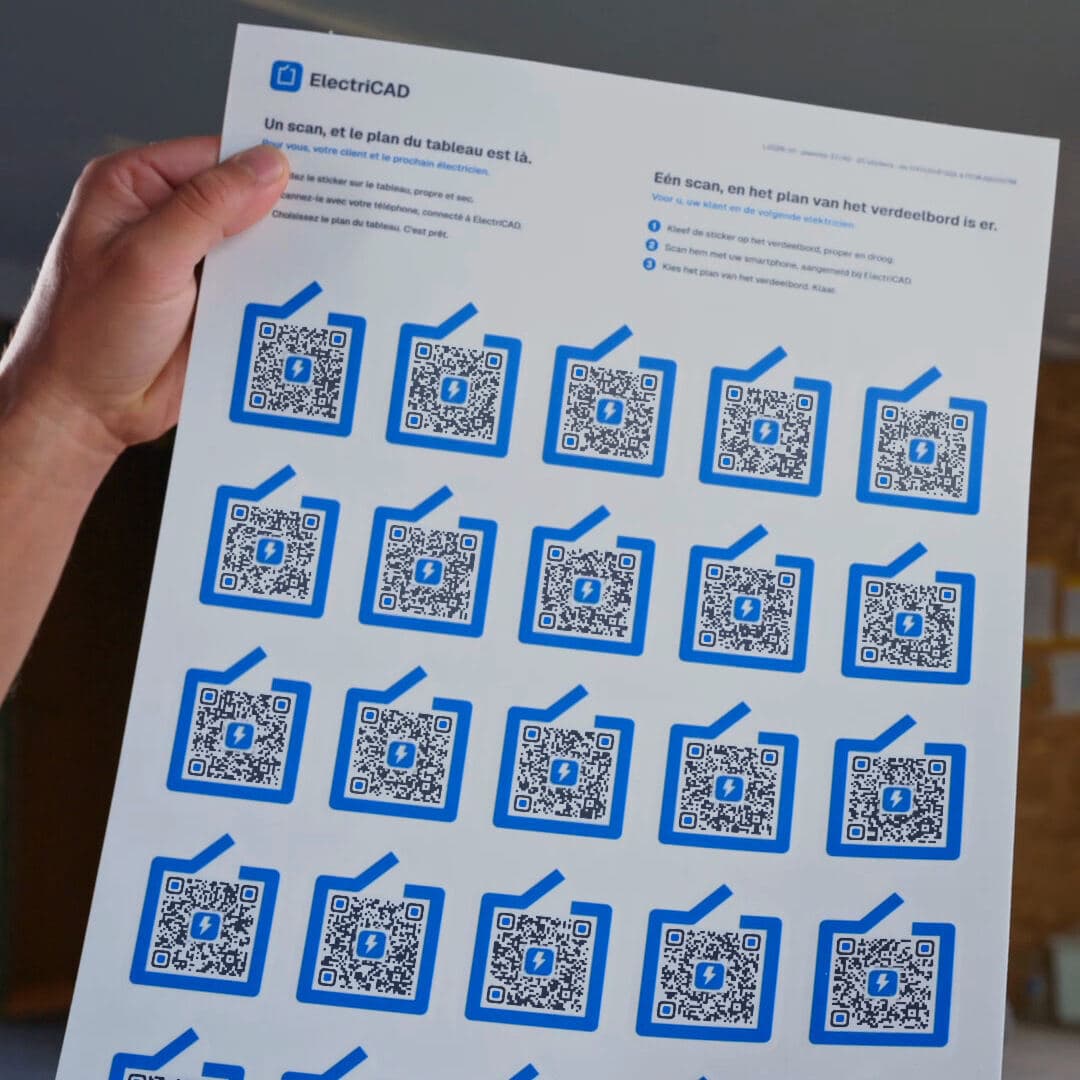
- A3 format (297 × 420 mm), 25 stickers of about 50 × 60 mm.
- A QR code of about 3 cm per sticker, in the shape of the ElectriCAD logo.
- Instructions printed on the sheet, in French and Dutch.
- Sent flat, cut in two to fit the envelope.